real edits · not mockups
See ZURAPIC in action.
Drag the slider below to compare before and after — this is the same kind of one-click adjustment you get inside the editor itself.
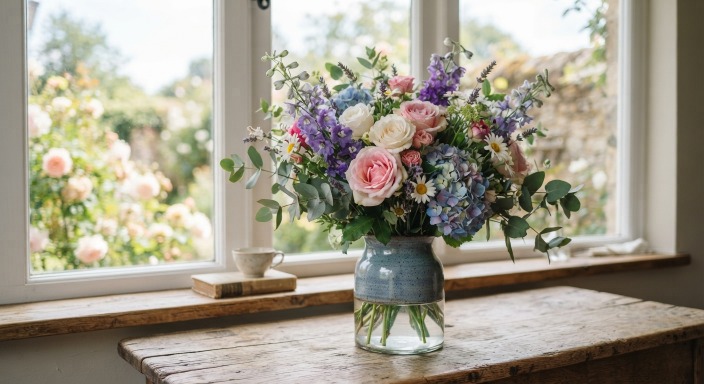

Before
After — Background Removal
Drag the handle, or click anywhere on the image — 🪄 Background Removal, done locally in your browser.
More coming soon
Examples for every tool.
This page is new — we're adding a real before/after (or side-by-side) example for each major feature. In the meantime, explore the full feature list on the home page.
✂ Crop & Smart Suggest
Content-aware crop suggestions that adapt to the subject on all four sides.
Example coming soon📄 PDF → Word / Excel
Scanned or digital PDFs converted into editable documents, with OCR.
Example coming soon🎨 Design Studio
Shapes, vector edits and layout tools for quick graphics.
Example coming soonZURAPIC
Try it on your own photo.
No install, no week-long learning curve. Open the tab and get started.
Open ZURAPIC →